OfferExtra 10% off PDF Search Pro annual plansYEARLY10 Get the deal

Guides

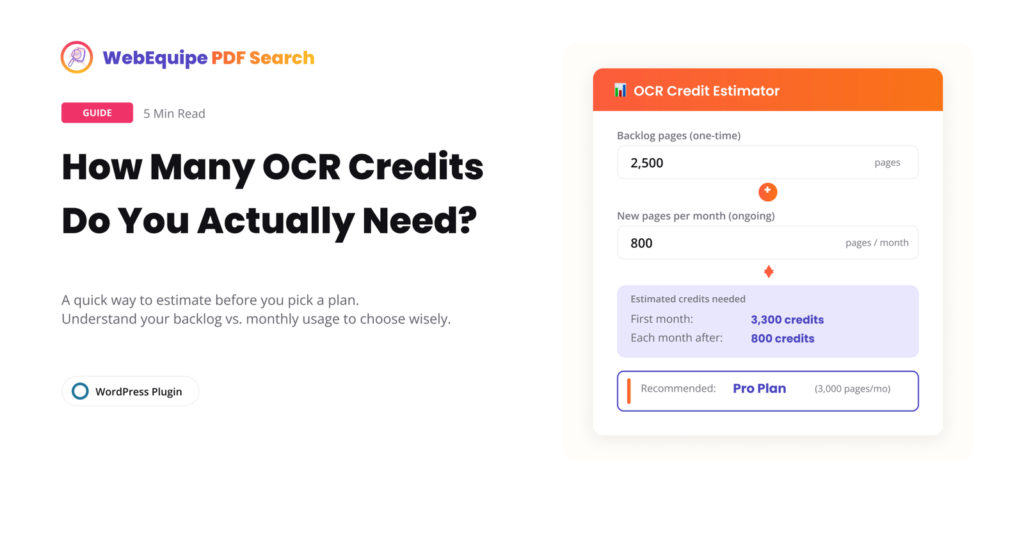
How Many OCR Credits Do You Actually Need?

OCR is the feature that makes scanned PDFs searchable, but it’s also the one place where picking the wrong plan can actually cost you. Too few credits and your backlog sits half-indexed for months. Too many and you’re paying for headroom you’ll never touch. Here’s how to actually work out what you need before you

Sarwar · September 9, 2026 · 5 min read

Search Results That Jump Straight to the Page

Finding the right PDF used to be the finish line. Now it’s just the starting point. Say a visitor searches your site for a specific clause, a course code, or a product spec. Your search finds the right PDF, but it’s 80 pages long, and they still have to open the file and dig through

Sarwar · September 3, 2026 · 4 min read

Checklist: Making All Your PDFs Searchable on WordPress in 2026

Getting PDF search working on WordPress isn’t complicated — but it’s easy to miss a step and end up with half your library invisible to search, a handful of Error files nobody’s looked at, or private documents showing up where they shouldn’t. This checklist covers the full process from start to finish. Use it when

Sarwar · July 3, 2026 · 8 min read

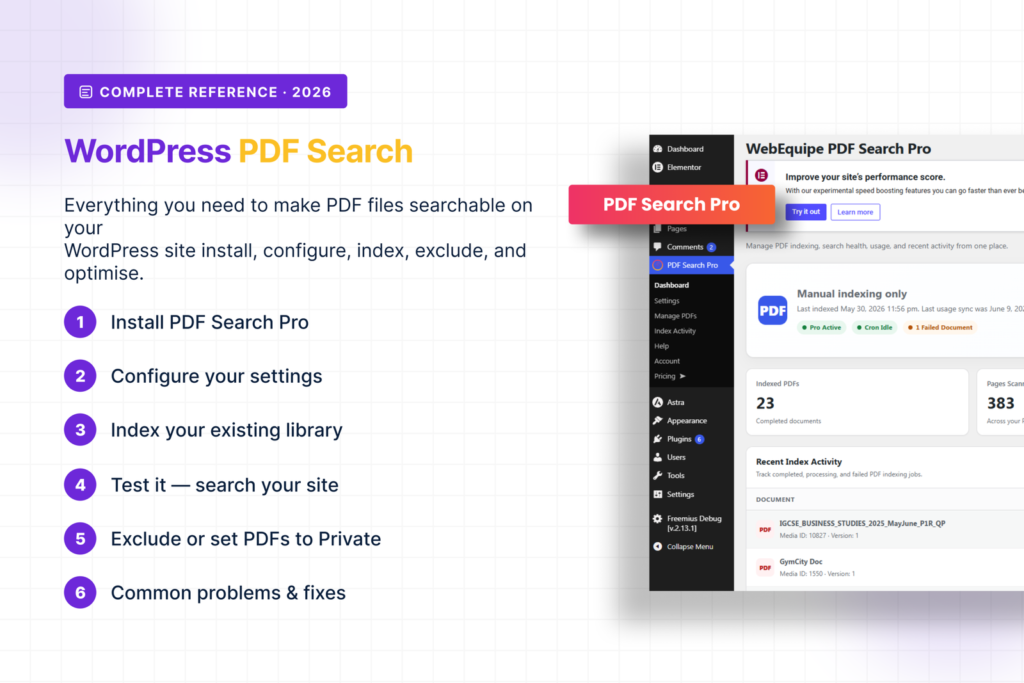
WordPress PDF Search — The Complete Guide (2026)

WordPress doesn’t search inside PDF files. Not by default, not ever. You can upload hundreds of documents and your site’s search bar will ignore every word inside all of them. This guide covers everything — why it happens, how to fix it, how to handle scanned documents and private files, how to read your index

Sarwar · June 17, 2026 · 11 min read

How to Keep Specific PDFs Out of WordPress Search Results

Not every PDF on your site should be searchable by everyone. Internal documents, draft files, member-only resources, staff handbooks — these need to stay out of public search results. There are two ways to handle this in WebEquipe PDF Search, and they solve different problems. Using the wrong one causes its own issues, so it’s

Sarwar · June 15, 2026 · 4 min read

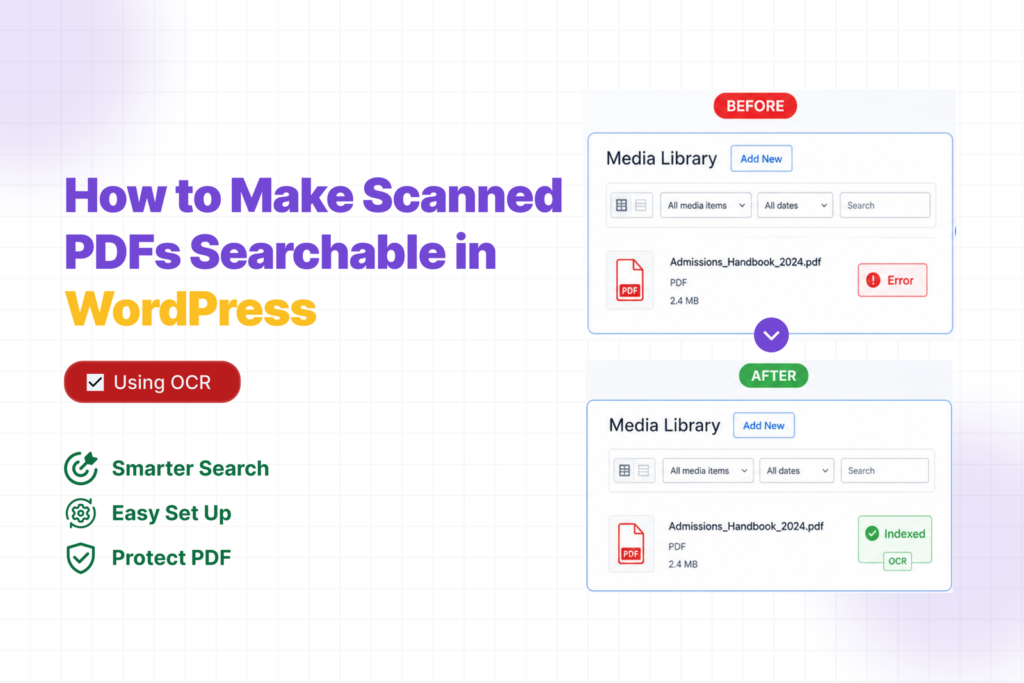
How to Make Scanned PDFs Searchable in WordPress (Using OCR)

Your PDF search plugin is throwing Error on certain files because it’s trying to read a photo, not text. Scanned PDFs don’t have a text layer — they’re images of pages. There’s nothing to extract. OCR fixes that. Here’s how to set it up. Why Scanned PDFs Fail When you export a PDF from Word

Sarwar · June 13, 2026 · 4 min read

Why WordPress Search Cannot Find Text Inside PDFs (and How to Fix It)

You search your own site for something you know is there. The word appears on page four of a PDF you uploaded last month. WordPress returns nothing.No results. Just that quiet, useless blank page.It feels like it should work. You uploaded the file. It’s sitting in your Media Library. Why can’t search find it? The

Sarwar · June 8, 2026 · 4 min read

How to Make WordPress Search Inside PDF Files (2026 Guide)

You upload a PDF to WordPress. A visitor comes to your site, searches for something they know is in that document — and gets nothing back.No results. The file is sitting right there in your Media Library. The answer they need is on page three. WordPress just has no idea it exists.We hear this constantly

Sarwar · June 5, 2026 · 8 min read

How to Make Scanned PDFs Searchable on WordPress — v2.0.0

Two types of PDFs exist on most WordPress sites — only one is searchable by default. Most site owners don’t know which of their PDFs are scanned. This guide explains the difference, how to check, and how to make scanned documents searchable. The Difference Between Text PDFs and Scanned PDFs Why Scanned PDFs Are Invisible

Sarwar · June 4, 2026 · 2 min read